

Bitcoin Merch Mining Laptop Intel N100 4: Buy with Crypto

What Is the Bitcoin Merch Mining Laptop Intel N100 4?
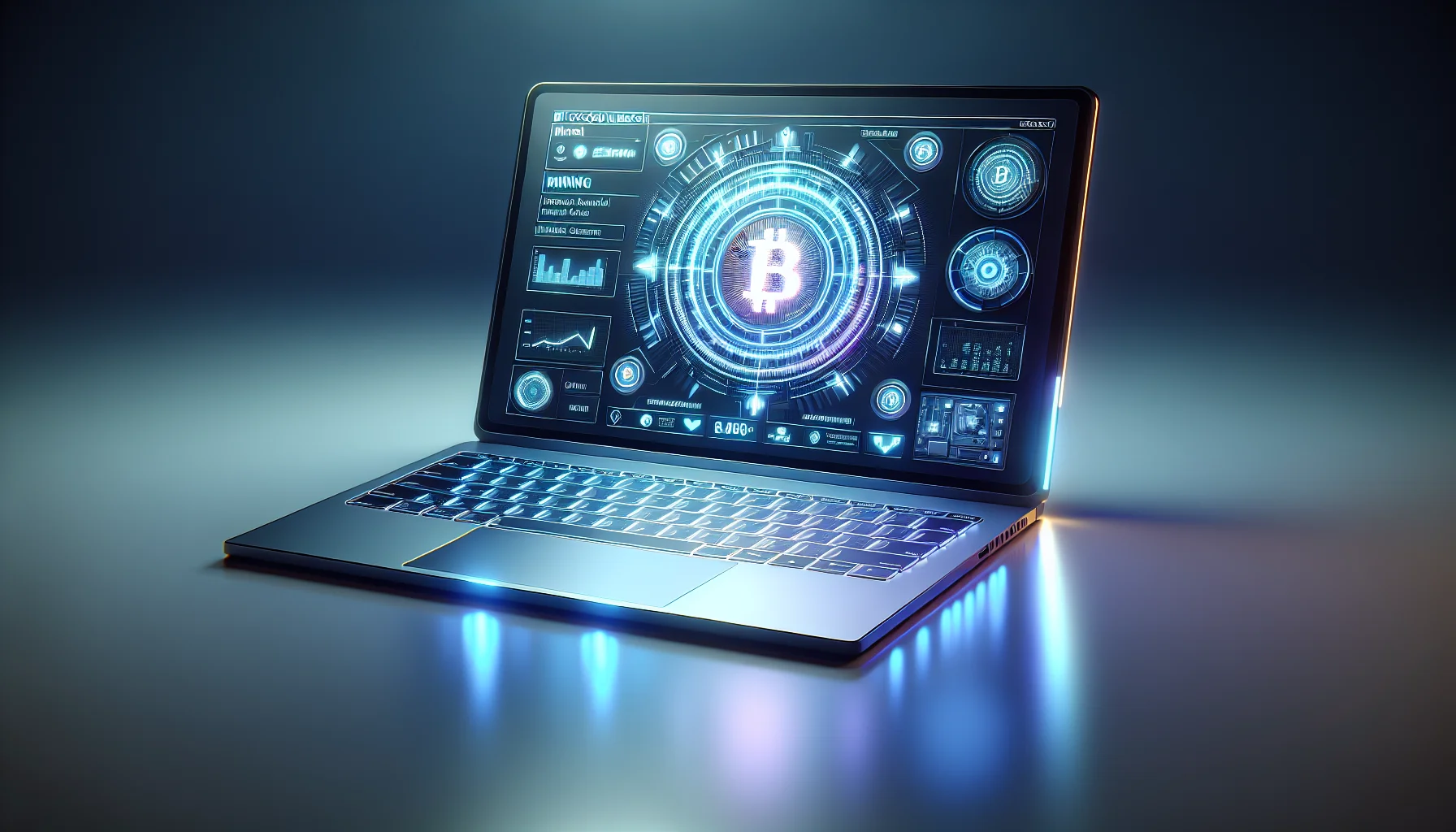
The Bitcoin Merch Mining Laptop Intel N100 4 is one of the most talked-about budget-friendly computing devices in the crypto community right now. It combines Intel’s efficient Alder Lake-N architecture with a portable form factor, making it a compelling option for light mining workloads, crypto portfolio management, and everyday computing tasks.
Bitcoin Merch, a well-known crypto-native hardware brand, has positioned this laptop at the intersection of affordability and utility. Rather than chasing raw benchmark numbers, the N100-powered machine focuses on sustained performance, low heat output, and minimal power draw — three qualities that matter enormously when you’re running software around the clock.
Whether you’re a hobbyist miner looking for a secondary rig, a crypto trader who needs a reliable on-the-go machine, or simply someone who wants to spend their Bitcoin holdings on tangible tech, this laptop checks a surprising number of boxes for its price point. And at CryptoBitMart.com, you can purchase it with over 50 different cryptocurrencies — no fiat required.
Intel N100 Processor: Why It Matters for Mining and Everyday Use
The Intel N100 is part of Intel’s 12th-generation Alder Lake-N series, built specifically for energy-efficient computing. It features four efficiency cores (E-cores) running at up to 3.4 GHz, 6MB of L2 cache, and Intel UHD Graphics with 24 execution units. Critically, it has a configurable TDP of just 6W, making it one of the most power-sipping x86 processors available today.
From a mining perspective, the N100 isn’t going to rival a dedicated GPU rig for Ethereum or Bitcoin mining — no laptop processor will. However, it performs admirably for CPU-mineable coins like Monero (XMR), Verus (VRSC), and Duino-Coin, which are specifically designed for consumer-grade hardware. According to community benchmarks on MineXMR and MoneroOcean pools, the N100 achieves approximately 2,000–2,500 H/s on RandomX, which is competitive for a fanless or near-silent form factor device.
Beyond mining, the N100 handles web browsing, document editing, video conferencing, and crypto wallet management with ease. Independent testing by Notebookcheck and AnandTech’s affiliated community reviewers have praised the N100 for delivering Celeron-beating performance at a fraction of the power consumption. For users who want a machine that runs quietly and efficiently all day, this processor is a strong foundation.
Key Insight: The Intel N100’s 6W TDP means you could theoretically run this laptop 24/7 for a month and add less than $3–5 to your electricity bill, depending on local rates. That’s a crucial advantage for anyone running continuous crypto-related workloads.
Full Specifications Breakdown: What You Get Out of the Box
Understanding the full spec sheet helps you make an informed buying decision. The Bitcoin Merch Mining Laptop Intel N100 4 typically ships with a configuration designed to balance price and performance for crypto users. Here’s what you can generally expect:
- Processor: Intel N100, 4 cores / 4 threads, up to 3.4 GHz Burst, 6MB L2 Cache
- RAM: 16GB LPDDR5 (often soldered; confirm with seller listing)
- Storage: 512GB M.2 NVMe SSD (upgradeable on most configurations)
- Display: 14–15.6-inch IPS panel, 1920×1080 FHD, anti-glare coating
- Graphics: Intel UHD Graphics (24 EUs, up to 750 MHz)
- Battery: 38–50Wh, up to 8–10 hours typical usage
- Connectivity: Wi-Fi 6 (802.11ax), Bluetooth 5.2, USB-C, USB-A, HDMI, microSD
- Operating System: Windows 11 Home or Linux (varies by listing)
- Weight: Approximately 1.4–1.7 kg (3.1–3.7 lbs)
The NVMe SSD is a particularly important spec for crypto users. Running a full Bitcoin or Monero node locally requires significant read/write throughput, and the NVMe drive delivers that without the bottlenecks of older SATA storage. Pairing 16GB of LPDDR5 RAM with fast storage means the machine handles multiple crypto applications simultaneously without stuttering.
The IPS display with FHD resolution is another welcome inclusion. Reading blockchain explorers, analyzing trading charts, and managing DeFi dashboards all benefit from accurate color rendering and wide viewing angles — something budget TN panels simply can’t offer.
How to Mine Cryptocurrency with the Intel N100 Laptop
Setting up your N100 laptop for mining is straightforward, even if you’re new to the process. The most accessible option is CPU mining with XMRig, an open-source miner optimized for RandomX — the algorithm used by Monero (XMR). Download XMRig from the official GitHub repository, configure your wallet address and pool details (MoneroOcean is popular for beginners), and you’re mining within minutes.
For Verus Coin (VRSC), the ccminer or dedicated VerusHash miner tools work well on the N100. The VerusCoin algorithm is specifically designed to be ASIC-resistant and CPU-friendly, meaning consumer laptops aren’t disadvantaged against specialized hardware. Community members on the Verus Discord regularly report the N100 achieving competitive hash rates on this chain.
Thermal management is important when running mining software continuously. The N100’s low TDP helps, but sustained loads will still generate heat. Ensure your laptop is placed on a hard, flat surface — never on a bed or couch — to maintain proper airflow. Consider using software like HWiNFO64 or ThrottleStop on Windows to monitor temperatures and set power limits that keep the system cool and stable during long sessions.
- Step 1: Download XMRig or your preferred CPU miner from the official GitHub page
- Step 2: Create a wallet for your target coin (Monero, Verus, etc.)
- Step 3: Sign up for a mining pool (MoneroOcean, Verus Pool, etc.)
- Step 4: Configure your miner with your wallet address, pool URL, and worker name
- Step 5: Run the miner, monitor temperatures, and adjust thread count as needed
- Step 6: Track earnings through your pool’s dashboard and withdraw when thresholds are met
Profitability depends on your local electricity cost and the current coin price. At $0.10/kWh and a stable Monero price, an N100 laptop mining RandomX 24/7 typically earns between $5–$15 per month. While this won’t replace a full-time income, it’s essentially passive income from hardware you’re already using for other tasks.
Buying with Bitcoin: How the CryptoBitMart Checkout Works
One of the standout features of purchasing through CryptoBitMart.com is the seamless crypto checkout experience. The platform supports over 50 cryptocurrencies, including Bitcoin (BTC), Ethereum (ETH), Litecoin (LTC), Monero (XMR), Dogecoin (DOGE), Solana (SOL), and many more. This breadth of payment options means you don’t have to convert your holdings to fiat just to buy hardware.
The checkout process is designed for privacy. CryptoBitMart allows anonymous purchases without requiring account creation. You browse the product, add it to your cart, enter a shipping address, and select your preferred cryptocurrency. The platform generates a payment address and a time-limited invoice. Once your transaction is confirmed on-chain, your order is automatically processed and shipped.
For Bitcoin payments specifically, the platform typically requires 1–3 network confirmations before processing, which usually takes between 10–30 minutes depending on network congestion. For faster confirmation needs, Lightning Network payments may be available — check the current CryptoBitMart listing for this option. Stablecoin payments (USDT, USDC) process similarly and avoid price-volatility concerns during checkout.
Pro Tip: If Bitcoin network fees are high during your purchase, consider paying with Litecoin or Monero — both offer near-instant confirmations and minimal transaction fees, making them ideal for e-commerce purchases.
Why CryptoBitMart Is the Best Place to Buy Electronics with Bitcoin
CryptoBitMart.com has established itself as a leading destination for crypto-native consumers who want to spend digital assets on real-world electronics. Unlike general marketplaces that occasionally bolt on a crypto payment option, CryptoBitMart was built from the ground up with cryptocurrency users in mind.
The platform’s product catalog spans laptops, gaming consoles, smartphones, drones, smartwatches, and peripherals — all available for crypto payment. This breadth means you can outfit an entire home office or gaming setup without touching a bank account. Inventory is regularly updated with trending products, and the site features detailed specifications and comparison tools to help buyers make informed decisions.
Shipping is fast and worldwide, with most orders dispatched within 1–3 business days. The platform partners with major logistics providers to ensure reliable delivery tracking. Returns are handled straightforwardly — if a product arrives damaged or defective, customer support processes replacements or refunds efficiently, maintaining trust with the crypto community that values accountability.
- 50+ cryptocurrencies accepted — maximum flexibility for your holdings
- No account required — preserves privacy and reduces data exposure
- Worldwide shipping — reaches customers in countries with limited fiat banking access
- Transparent pricing — crypto-denominated prices updated in real time
- Easy returns — straightforward policy for damaged or incorrect orders
- Wide catalog — laptops, gaming, phones, drones, and more
For users in countries with strict capital controls or limited access to traditional e-commerce, CryptoBitMart provides a genuinely transformative purchasing channel. Crypto is borderless by nature, and CryptoBitMart’s infrastructure reflects that philosophy in every part of the shopping experience.
Comparing the Intel N100 Laptop to Similar Budget Mining Options
How does the Bitcoin Merch N100 laptop stack up against the competition? Several other budget laptops compete in the same space, including machines powered by the AMD Ryzen 3 7320U, the Intel Celeron N5095, and the Raspberry Pi 5 (for ultra-low-power setups). Each has distinct trade-offs worth understanding.
The AMD Ryzen 3 7320U offers slightly better multi-threaded CPU performance and can edge ahead on RandomX mining, but its TDP runs higher (15–28W configurable), leading to more heat and power consumption. For users who prioritize maximum mining output over efficiency, it’s a valid alternative. But for silent, low-power, 24/7 operation, the N100 has a genuine advantage.
The Intel Celeron N5095 (Jasper Lake) was the previous generation’s budget king. It lacks the architectural improvements of Alder Lake-N, resulting in notably lower IPC and RandomX hash rates. If you’re choosing between a Celeron N5095 laptop and an N100 laptop at similar price points, the N100 wins comfortably on performance-per-watt.
- Intel N100 vs. Ryzen 3 7320U: N100 wins on power efficiency; Ryzen wins on raw throughput
- Intel N100 vs. Celeron N5095: N100 wins convincingly on both performance and efficiency
- Intel N100 vs. Raspberry Pi 5: Pi 5 wins on price and idle power; N100 wins on usability and hash rate
For most crypto users who want a practical, portable machine they can also use for browsing and productivity, the N100 hits the sweet spot. It’s not the most powerful option, but it’s arguably the most balanced one in the sub-$300 price tier.
Who Should Buy the Bitcoin Merch Mining Laptop Intel N100 4?
This laptop isn’t for everyone, and being honest about that helps you make the right decision. If you’re looking to mine Bitcoin directly, no laptop will be profitable — Bitcoin mining requires specialized ASIC hardware. But for a specific profile of crypto user, this machine makes excellent sense.
Ideal buyers include: hobbyist miners who want to experiment with CPU-mineable coins without a large upfront investment; crypto traders who need a portable, always-on machine for monitoring markets and managing wallets; privacy-conscious users who appreciate the anonymous purchase option at CryptoBitMart; and students or remote workers who want an affordable, capable laptop and happen to hold crypto they’d like to spend.
Less ideal buyers include: professional miners who need maximum hash rate (opt for a dedicated GPU rig or ASIC instead); power users running heavy video editing, 3D rendering, or gaming workloads (the N100’s integrated graphics and low TDP create a ceiling for those tasks); and buyers in regions with very high electricity costs where even low-power mining may not be economically sensible.
Bottom Line: The Bitcoin Merch Mining Laptop Intel N100 4 is a smart buy for crypto enthusiasts who value efficiency, portability, and the ability to purchase hardware directly with digital assets. It’s a practical entry point into the crypto hardware ecosystem without overextending your budget.
Frequently Asked Questions
Can the Intel N100 laptop mine Bitcoin directly?
No. Bitcoin uses the SHA-256 hashing algorithm, which is completely dominated by ASIC miners. A CPU-based laptop cannot mine Bitcoin profitably. However, the N100 is well-suited for CPU-friendly coins like Monero (XMR) using the RandomX algorithm, or Verus Coin (VRSC) using VerusHash. These coins are intentionally designed to resist ASIC dominance and reward CPU miners.
How many cryptocurrencies can I use to buy on CryptoBitMart?
CryptoBitMart.com accepts over 50 cryptocurrencies at checkout, including Bitcoin (BTC), Ethereum (ETH), Litecoin (LTC), Dogecoin (DOGE), Monero (XMR), Solana (SOL), Tether (USDT), USD Coin (USDC), and many others. The platform updates exchange rates in real time, so the amount you pay is always accurate to current market pricing.
Is it safe to buy electronics with Bitcoin online?
Yes, provided you use a reputable platform. CryptoBitMart.com has built a reputation in the crypto community for reliable order processing, fast shipping, and responsive customer support. Crypto transactions are irreversible, so always double-check the payment address before confirming. Using stablecoins (USDT, USDC) eliminates price volatility risk during the brief checkout window.
Does the N100 laptop support Linux for mining?
Absolutely. The Intel N100 has excellent Linux compatibility, with full driver support in the mainline kernel for Ubuntu 22.04+, Debian 12, and other major distributions. Many miners prefer Linux for its lower overhead, better process management, and the ability to run headless (without a graphical desktop), which frees up RAM and CPU cycles for the miner itself.
What is the warranty and return policy at CryptoBitMart?
CryptoBitMart offers a standard return policy for products that arrive damaged or defective. Specific terms vary by product and are displayed on each product listing page. It’s recommended to document the unboxing process with a video or photos, as this simplifies any warranty claim. Customer support can be reached directly through the platform for order inquiries and post-purchase assistance.